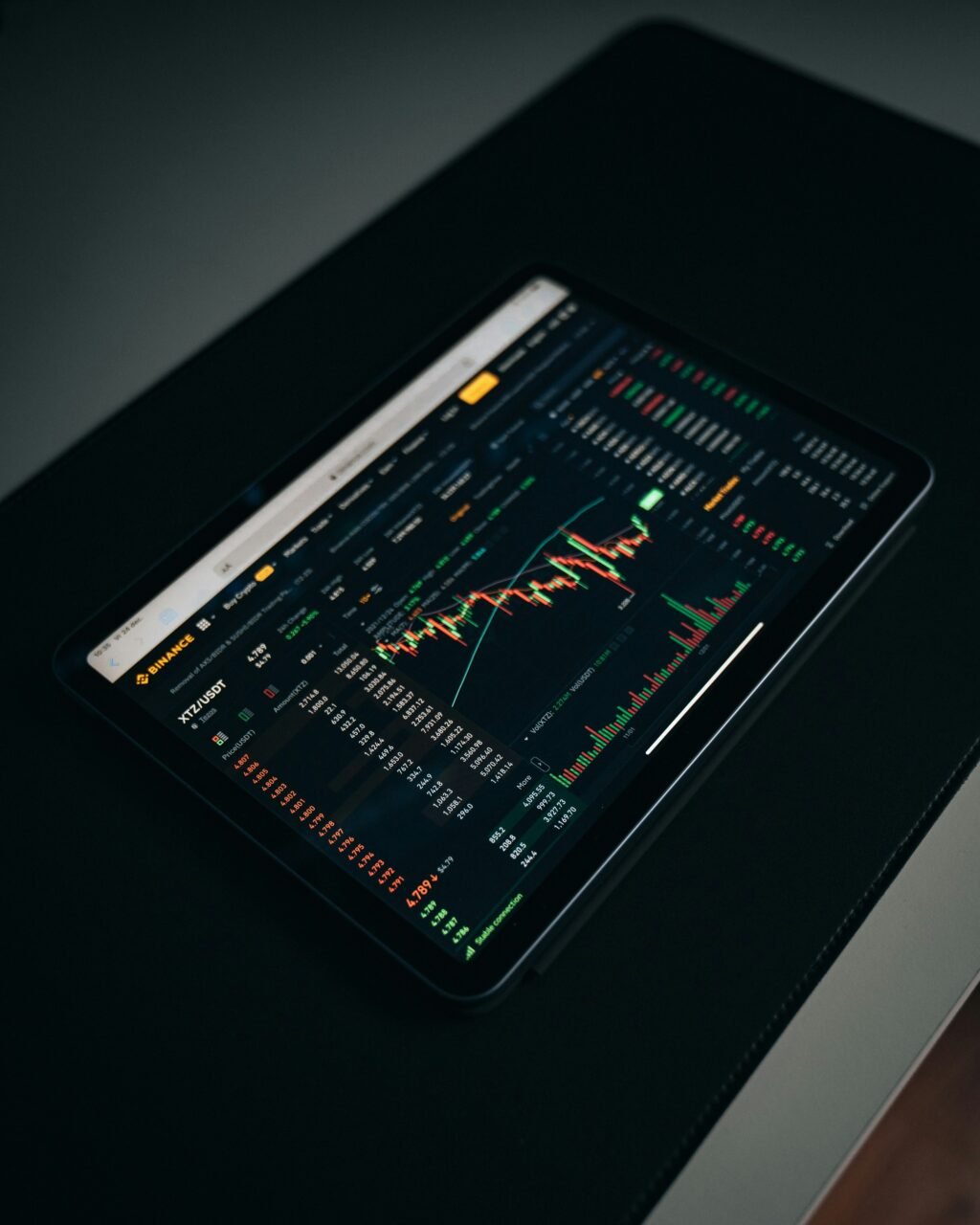
MetaTrader 4
Introduction to MetaTrader 4
MetaTrader 4 (MT4) is a widely recognized electronic trading platform, primarily designed for online trading of currencies, commodities, and financial instruments. Launched in 2005 by MetaQuotes Software, it has grown into one of the most popular trading platforms used by retail traders worldwide. Its user-friendly interface and robust functionality have made it an essential tool for both new and experienced traders.
Historically, the inception of MT4 was a game-changer for the trading industry. At a time when trading required sophisticated setups and knowledge, MetaTrader 4 democratized access to financial markets for retail investors. It offered an array of features that were previously available only to institutional traders, thereby paving the way for the rise of retail trading. The platform’s advancement through the years demonstrates a commitment to continual improvement, keeping it relevant amidst emerging technologies and evolving trader demands.
Significance lies in MT4’s adaptability and extensive support for third-party tools, which further enhance trading experiences. It caters to a diverse group of traders, from novices seeking guidance via tutorials and expert advisors to seasoned investors employing advanced strategies through automated trading. Key features of MetaTrader 4 include real-time price quotes, multiple chart types, a wide range of technical analysis tools, and the ability to execute trades at high speeds. Furthermore, its support for algorithmic trading allows traders to automate their strategies in a seamless manner.
In essence, MetaTrader 4 is not merely a trading platform but a complete ecosystem that supports traders in their quest for financial success. As traders continue to seek effective tools for analysis and execution, MT4 remains a prominent choice due to its combination of accessibility, functionality, and reliability.
Key Features of MetaTrader 4
MetaTrader 4 (MT4) has become a go-to platform for traders due to its comprehensive features aimed at enhancing trading efficiency. One of its standout aspects is the intuitive user interface, which enables both novice and experienced traders to navigate seamlessly. The layout prioritizes user experience, allowing for quick access to essential tools and functions necessary for effective trading.
Advanced charting tools are another significant feature of MetaTrader 4 that elevate the trading experience. With numerous chart types and technical indicators at their disposal, traders can perform detailed analyses to make informed decisions. The ability to customize chart settings ensures that traders can view data in a manner that aligns with their strategies, thus improving their overall trading performance.
Automated trading capabilities also set MT4 apart from other platforms. The use of Expert Advisors (EAs) allows traders to automate their strategies, eliminating the need for constant monitoring. This feature is particularly advantageous for those who wish to execute trades based on predefined criteria, ensuring that opportunities are not missed due to time constraints. Additionally, the community-driven marketplace within MT4 offers plugins and add-ons that enhance functionality, providing traders with a wide array of tools tailored to meet varying trading styles.
Lastly, the extensive support for multiple asset classes appeals to a broad spectrum of traders. From forex to commodities and stocks, MetaTrader 4 accommodates diverse trading interests, ensuring that users can diversify their portfolios effectively. With its robust features, MT4 continues to be a valuable asset in the trading community, helping traders refine their approaches and achieve their financial goals.
How to Install and Set Up MetaTrader 4
Installing and setting up MetaTrader 4 (MT4) is a straightforward process, whether you are using Windows, macOS, or mobile devices. To begin, ensure your system meets the necessary requirements. For Windows, the minimum specifications include Windows XP or later, with a processor speed of at least 1 GHz, and 512 MB of RAM. Mac users can run MT4 through a compatible application such as Wine, or they can opt for the web-based version.
First, download the MetaTrader 4 installation file from the official website or through your broker’s platform. Locate the downloaded file and double-click to initiate the installation process. Follow the prompts in the installation wizard, which are typically straightforward. Choose your preferred installation directory and allow the installation to complete. Upon completion, launch the MT4 platform by clicking on the newly created icon on your desktop.
After launching MT4 for the first time, you will need to create a trading account. Many brokers provide a “Demo Account” option, allowing you to practice trading without using real money. To create an account, navigate to the top menu and select ‘File’, then ‘Open an Account’. Follow the instructions to input your personal information and selected account type. Once your account is created, you will receive your login credentials.
Once you are logged in, it is essential to customize your user settings for an optimal trading experience. Browse through the options and settings menu, where you can adjust chart colors, timeframes, and trading instruments according to your preferences. Additionally, consider setting alerts and notifications to keep you informed about market changes. With everything set up, you are now ready to start trading efficiently on MetaTrader 4.
Understanding the MT4 User Interface
The MetaTrader 4 (MT4) platform is renowned for its user-friendly interface designed specifically for traders of varying skill levels. Upon launching MT4, users are greeted with a layout that prominently features the Market Watch, which displays available financial instruments and their current prices. The Market Watch window serves as a vital resource for traders looking to closely monitor market fluctuations.
At the top of the MT4 interface, users will find a customizable toolbar that provides quick access to essential trading tools. This includes options for executing trades, including buy and sell orders, and managing open positions. Furthermore, the toolbar allows users to create charts, apply technical indicators, and use various analytical tools which are crucial for informed trading decisions.
The central area of the MT4 layout predominantly showcases the charting platform. Here, users can view price movements of selected instruments over different time frames, making it easier to analyze market trends. The chart can be modified using multiple chart types such as line, bar, or candlestick, each offering unique insights into market behavior. Traders can also personalize their charts with indicators and overlays to assist in their analyses.
Navigation within MT4 is intuitive, with the left panel containing navigational options such as Accounts and Navigator, where users can manage their trading accounts and explore available expert advisors and indicators. The status bar at the bottom of the window provides real-time information on the current connection to the server, a crucial aspect for ensuring reliable trading operations. This well-structured interface coupled with the various functionalities makes MetaTrader 4 an accessible and powerful tool for both new and experienced traders alike.
Executing Trades on MetaTrader 4
Executing trades on MetaTrader 4 (MT4) is a crucial skill for any trader looking to improve their market strategies. This versatile platform provides several ways to execute trades, including market orders and pending orders, each tailored to different trading styles and strategies. Understanding how to effectively use these tools can significantly enhance trading performance.
To begin executing a trade, launch the MetaTrader 4 platform and open the “Market Watch” window. Here, traders can view live quotes of their chosen financial instruments. To place a market order, right-click on the desired instrument and select “New Order”. A new window will appear where traders can input the trade volume, set stop loss and take profit levels, and select the order type. To execute the order, click the “Buy” or “Sell” button as needed.
Pending orders offer an alternative way to enter trades at a predetermined price, which can be beneficial for traders who prefer to act when the market meets specific conditions. To set a pending order, access the same “New Order” window and choose the order type from the dropdown menu. There are several options for pending orders, including Buy Limit, Sell Limit, Buy Stop, and Sell Stop. Each option serves different market scenarios, allowing traders to tailor their approach to suit their objectives.
Once trades are initiated, effective management is essential for maximizing profitability. Regularly monitor open positions within the terminal window, and be prepared to modify or close trades as market conditions change. Understanding how to adjust stop losses or take profits can safeguard gains and minimize losses. Additionally, using features like trailing stops can help lock in profits as the market moves in your favor, creating a more systematic and disciplined trading approach.
Utilizing Charting Tools and Technical Analysis
MetaTrader 4 (MT4) is renowned for its powerful charting capabilities and comprehensive technical analysis tools, which are essential for traders aiming to make informed decisions. At the heart of MT4’s functionality is its extensive range of charting tools that include indicators, oscillators, and drawing instruments, all designed to facilitate the analysis of market trends and price movements.
The platform offers a variety of indicators, such as Moving Averages, Bollinger Bands, and MACD, which help traders identify market patterns and potential entry or exit points. These indicators are customizable and can be tailored to fit specific trading strategies, thereby providing a personalized trading environment. By employing multiple indicators simultaneously, traders can confirm signals and improve the accuracy of their predictions.
Oscillators, including the Relative Strength Index (RSI) and Stochastic Oscillator, are also integral to technical analysis on MT4. These tools assist traders in determining overbought or oversold conditions, allowing for more strategic trading decisions. Combining oscillators with trend indicators can provide a comprehensive view of market dynamics, enhancing overall trading strategies.
Furthermore, the drawing tools available in MT4, such as trendlines, channels, and Fibonacci retracement levels, allow for in-depth visual analysis. Traders can draw these elements directly onto their charts to better identify support and resistance levels, facilitating informed risk management decisions.
Overall, effectively utilizing the charting tools and technical analysis features within MT4 can significantly enhance a trader’s ability to navigate the financial markets successfully. By integrating these tools into their trading practice, individuals can gain deeper insights, bolster their strategies, and ultimately elevate their trading performance.
Automated Trading with Expert Advisors (EAs)
Automated trading has fundamentally changed the landscape of forex trading, particularly through the use of Expert Advisors (EAs) in MetaTrader 4 (MT4). EAs are specialized programs that automatically execute trades based on predefined criteria set by the trader. This allows users to capitalize on market opportunities without the need for constant monitoring of the trading platform.
To begin using EAs in MT4, traders must first install the desired Expert Advisor file. This is typically a .ex4 or .mq4 file, which can be downloaded from various sources or developed independently. Once the file is in place, traders should navigate to the Navigator window within the MT4 platform. Here, they can find the Experts section where the installed EAs will appear. By simply dragging the EA onto a chart and adjusting the parameters, users can initiate automated trading according to their specified strategies.
The benefits of using Expert Advisors in MetaTrader 4 are numerous. For one, they provide the ability to backtest trading strategies using historical data, which enables traders to refine their methods before deploying them in live markets. Furthermore, EAs can trade around the clock, eliminating the restrictions tied to human limitations such as fatigue and emotional decision-making. This automation can lead to better execution rates and improved risk management as EAs operate strictly according to the set parameters.
However, automated trading does carry certain risks that traders should be aware of. Market conditions can change rapidly, potentially rendering previously successful strategies ineffective. EAs also rely on accurate programming; any bugs or errors can lead to unintended trading actions. Therefore, it is crucial for traders to monitor the performance of their Expert Advisors regularly and make adjustments as necessary to mitigate these risks, ensuring a successful trading experience with MetaTrader 4.
Staying Competitive with MT4: Tips and Strategies
To excel in forex trading using MetaTrader 4 (MT4), it is crucial to adopt a systematic approach. One of the most important strategies is effective risk management. Holding onto a sound risk management plan not only mitigates potential losses but also ensures the longevity of your trading career. Traders should set a strict stop-loss level for each trade and determine their position size based on their account size and risk tolerance. Utilizing a risk-reward ratio of at least 1:2 can also help traders gauge the potential profitability of their trades.
Another significant advantage of MT4 is its wide array of technical analysis tools. Traders can leverage these features to enhance their trading decisions. Utilizing custom indicators and expert advisors (EAs) can be particularly beneficial. EAs automate trading strategies, allowing traders to capitalize on opportunities without being glued to their screens. Furthermore, traders should continuously backtest their strategies using the MT4 strategy tester to optimize their trading approach based on historical data.
To maintain a competitive edge, staying informed about market trends is essential. Utilizing MT4’s numerous charting functionalities, traders can analyze price movements effectively. Setting alerts for critical price levels can provide timely notifications allowing traders to react promptly to market fluctuations. Additionally, subscribing to reputable financial news sources can keep traders updated about crucial events that may impact currency prices.
Lastly, creating a disciplined trading routine helps in cultivating emotional resilience. Emotional trading is a common pitfall for many traders. By sticking to a well-defined trading plan and making decisions based on analysis rather than emotions, one can improve overall performance on the MetaTrader 4 platform.
Conclusion: Maximizing Your Trading Success with MT4
As the journey through mastering MetaTrader 4 (MT4) comes to a close, it is essential to reflect on the core components that contribute to trading success. This sophisticated trading platform provides a range of tools and features tailored for both new and experienced traders to enhance their performance in financial markets.
First and foremost, understanding the user interface of MT4 is paramount. Familiarity with the layout, including charts, indicators, and trading instruments, can significantly streamline traders’ decision-making processes. Utilizing demo accounts allows individuals to practice trading strategies without financial risk, making it an invaluable step for effective learning and skill development.
Moreover, mastering technical analysis tools on MT4 is vital. The platform offers a variety of indicators and customizable charts that assist in identifying market trends and potential trading opportunities. By utilizing these analytical resources effectively, traders can enhance their ability to make informed decisions that align with their trading goals.
Furthermore, utilizing automated trading strategies through Expert Advisors can also dramatically improve trading efficiency. These algorithms can execute trades on behalf of the user based on pre-set criteria, minimizing emotional decision-making and allowing traders to focus on broader market analysis. Combining these systems with diligent risk management practices remains crucial for sustainable trading success.
In summary, the importance of mastering MetaTrader 4 cannot be overstated for those seeking to elevate their trading endeavors. By embracing the functionalities and tools available within the platform, traders can optimize their strategies, improve their market analysis, and ultimately achieve greater success in their trading journeys. The path to mastery involves continuous learning and adaptation, making MT4 an essential ally in navigating the complexities of financial markets.

We create powerful, insightful content that fuels the minds of entrepreneurs and business owners, inspiring them to innovate, grow, and succeed.