


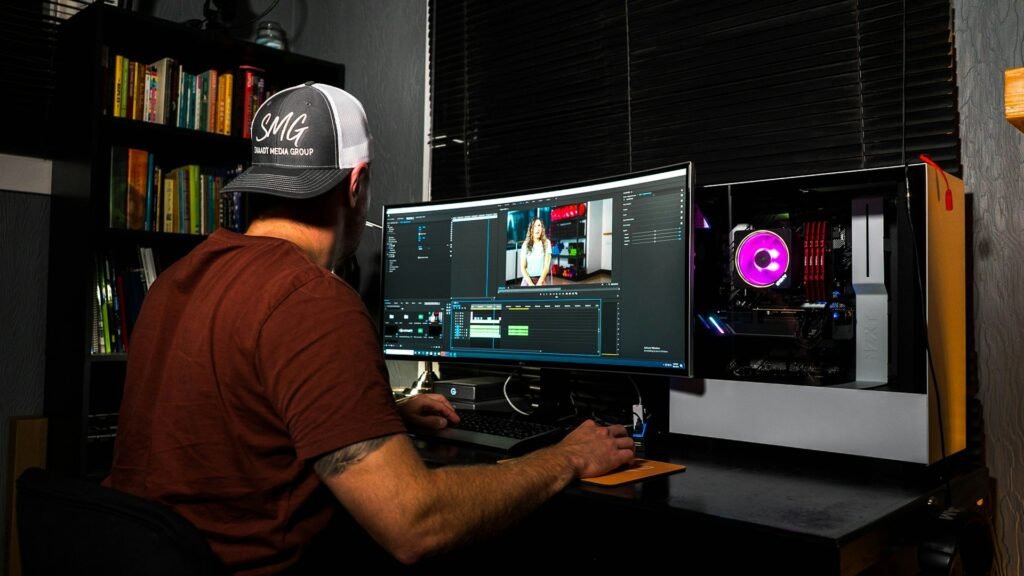
Understanding Video Editing Requirements
Video editing is an intricate process that involves manipulating and rearranging video footage to create a final product. This task demands a high level of performance from the editing software, which can be resource-intensive and requires specific hardware capabilities. Understanding these requirements is crucial when considering how to choose a laptop for video editing.
One of the primary factors to consider is video resolution. Modern video projects often utilize high-definition formats, such as 4K or even higher resolutions. Editing at these higher resolutions necessitates a laptop with enhanced processing power and a robust graphics card to handle the increased load efficiently. As such, selecting a laptop with a dedicated GPU and sufficient RAM—typically 16GB or more—is essential for smooth workflow during editing sessions.
In addition to resolution, the effects and transitions applied within video projects also contribute significantly to the demands placed on your machine. The more complex the timeline, with multiple layers and effects, the greater the need for a powerful processor and RAM. When evaluating how to choose the right laptop for programming tasks related to video editing, ensure that the processor is capable of handling demanding tasks, such as rendering and encoding, without significant lag.
Lastly, considering storage solutions is equally important. Video files can be quite large, especially in higher resolutions, thus solid-state drives (SSDs) are preferable over traditional hard drives (HDDs) for their speed and reliability. A device with ample storage and upgrade options, or even support for external storage, will enhance productivity and efficiency.
Key Components of a Video Editing Laptop
When considering how to choose a laptop for video editing, it’s crucial to understand the integral components that significantly influence performance. These components include the CPU, RAM, GPU, and storage options, each playing a pivotal role in your editing workflow and overall productivity.
The CPU (Central Processing Unit) is arguably the heart of the laptop. It dictates how quickly and smoothly tasks are processed. For video editing, look for a laptop with a multi-core processor. Intel’s Core i7 or i9 series or AMD’s Ryzen 7 or 9 are excellent choices for demanding editing tasks, as they allow for efficient multitasking and faster rendering times.
Next is RAM (Random Access Memory), which is essential for handling multiple applications seamlessly. For optimal performance, particularly with higher resolution projects, a minimum of 16GB is recommended. If you are often working with 4K or complex edits, consider upgrading to 32GB or more. This additional RAM can significantly reduce lag and improve responsiveness in heavy software like Adobe Premiere Pro or Final Cut Pro.
Another critical element is the GPU (Graphics Processing Unit). A dedicated graphics card can greatly enhance your video editing experience, allowing for faster rendering and smoother playback of high-resolution footage. Look for laptops equipped with NVIDIA GeForce RTX or AMD Radeon RX graphics cards when determining how to choose the right laptop for programming or gaming applications, as they also double well for video editing.
Lastly, consider the storage type and capacity. Solid State Drives (SSD) are highly recommended, as they significantly improve load times and overall system performance compared to traditional Hard Disk Drives (HDD). A capacity of at least 512GB is advisable, but for extensive video projects, opting for 1TB or external storage options can provide flexibility and ample space.

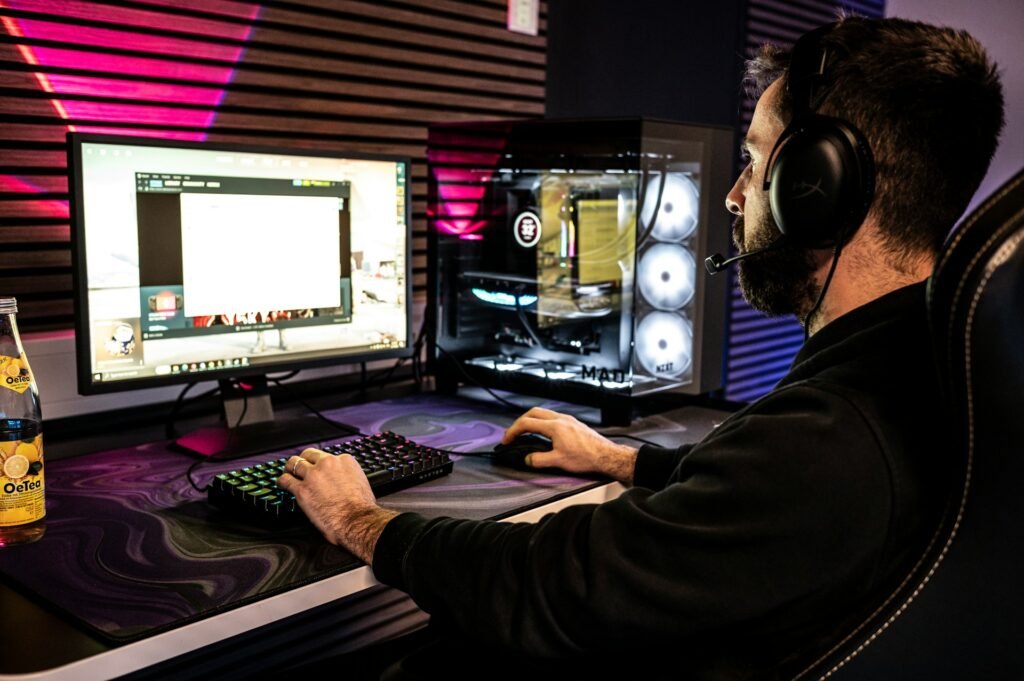
Choosing the Right Processor (CPU)
When it comes to video editing, the choice of processor, or CPU, is paramount in ensuring an efficient and smooth editing workflow. The CPU is responsible for performing the computations necessary when rendering video, applying effects, and exporting projects. Therefore, selecting a powerful processor can significantly impact your performance during editing tasks.
For demanding video editing needs, processors in the Intel Core i7 or i9 range are excellent choices. These processors not only boast a high clock speed but also include multiple cores and threads, which are advantageous for multitasking and handling multiple processes simultaneously. Similarly, AMD’s Ryzen 7 and Ryzen 9 series provide formidable competition in this space, with impressive core counts and outstanding performance in rendering tasks. Additionally, Apple’s M2 and M3 chips are designed to maximize efficiency for users in the creative field, offering high performance tailored specifically for editing software.
When determining how to choose a laptop for video editing, pay close attention to the core count and threads of the CPU. A processor with more cores can handle more tasks at once, which is especially beneficial when working with high-resolution footage or complex timelines. In general, a minimum of four cores is recommended for basic video editing, while eight or more cores are ideal for more intensive projects. Moreover, higher thread counts allow for improved multitasking capabilities, allowing editors to run demanding applications simultaneously without significant lag.
In conclusion, when evaluating how to choose the right laptop for video editing, prioritize a powerful CPU that can handle various tasks efficiently, thus ensuring a smoother and faster editing process. This, combined with other specifications such as RAM and storage, will lead to a well-rounded editing experience.
Evaluating RAM for Video Editing
When considering how to choose a laptop for video editing, one of the most crucial components to evaluate is Random Access Memory (RAM). This memory is essential for handling large video files and running complex applications that are typical in video editing tasks. A laptop equipped with sufficient RAM can significantly enhance the editing process, particularly when dealing with high-resolution footage.
For many video editors, 16GB of RAM serves as a baseline. This amount is generally adequate for standard HD editing and allows for somewhat smoother multitasking between video editing software and other applications. However, when tackling more demanding projects, particularly those involving 4K video editing, an upgrade to 32GB of RAM becomes increasingly advantageous. With 32GB, editors can manage larger files and more extensive applications without experiencing significant slowdowns, thereby improving workflow efficiency.
In specialized scenarios, particularly for projects involving 8K video editing or when utilizing advanced effects and color grading, 64GB of RAM may even be necessary. This setup provides ample memory to run multiple applications simultaneously, allowing for an uninterrupted editing experience. Such a configuration is often favored by professionals in the film industry, where performance and speed are paramount.
Ultimately, selecting the right amount of RAM is pivotal in how to choose a laptop for video editing effectively. The amount needed largely depends on the complexity of the projects one anticipates working on. Therefore, understanding the specific requirements of video editing software, alongside the typical resolution of the video content being edited, is essential in making an informed decision about RAM specifications.
Selecting the Best Graphics Card (GPU)
When considering how to choose a laptop for video editing, one of the most critical components to assess is the graphics processing unit (GPU). The GPU plays a vital role in processing video playback and rendering, making it indispensable for video editing tasks. A powerful GPU not only enhances the overall performance but also significantly reduces the time required for rendering high-definition video and applying complex effects.
For those who work intensively with video editing software, a dedicated graphics card is highly recommended. Unlike integrated graphics, dedicated GPUs such as the Nvidia RTX 40 series provide substantial performance boosts, capable of handling multiple layers of video, high-resolution assets, and intricate visual effects seamlessly. The architecture of these modern GPUs leverages hardware acceleration, allowing certain video editing applications to utilize the GPU, thereby expediting rendering and playback processes.
When selecting the best GPU for video editing, consider factors like VRAM (video RAM), which is essential for handling high-resolution textures and large video files. A GPU with at least 4GB of VRAM is advisable for most standard editing tasks, while 8GB or more may be necessary for 4K editing or higher resolutions. Furthermore, ensure that the laptop is equipped with a cooling system capable of sustaining prolonged performance, as high-demand tasks can lead to overheating.
In summary, selecting the right graphics card is pivotal when aiming to optimize your video editing experience. By prioritizing a dedicated GPU, particularly from robust series like the Nvidia RTX 40, you position yourself favorably for efficient video editing and enhanced rendering times, which ultimately contributes to producing higher-quality content.
The Importance of Fast Storage Solutions
When considering how to choose a laptop for video editing, one of the most crucial factors to evaluate is storage speed. Video editing requires handling large files and high-resolution footage, which demands a storage solution that can keep up with the data rates during both editing and exporting. In this context, NVMe SSDs (Non-Volatile Memory Express Solid State Drives) are highly preferred over traditional HDDs (Hard Disk Drives) due to their significantly faster read and write speeds. The speed of NVMe SSDs can dramatically enhance the editing workflow, allowing smooth playback and quicker rendering times.
For any serious video editing endeavor, it is advisable to look for a laptop that has at least 1TB of internal storage capacity. The need for ample space arises from the size of video files; especially when working with 4K or higher resolutions, one can quickly consume storage space. Fluctuating demands, such as multiple projects running concurrently, further intensify the necessity for a swift storage solution. Thus, reliable internal storage combined with speed enables editors to work efficiently without the constant worry of running out of space.
Moreover, while 1TB of internal storage provides a good starting point, many professionals also find it beneficial to incorporate external SSDs into their setup. These drives, which can be easily connected via USB-C or Thunderbolt 3 ports, offer additional storage while maintaining high performance. This extension not only allows for the management of current projects but also serves as a backup for completed work. In summary, when determining how to choose a laptop for students focused on video editing or how to choose the right laptop for programming and gaming, ensuring fast and ample storage is essential for an optimal workflow.
Display Characteristics That Matter
When it comes to selecting a suitable laptop for video editing, understanding display characteristics is paramount. The screen is the primary interface through which editors view their content, making it essential to focus on screen size, resolution, color accuracy, and brightness.
Starting with screen size, a larger display is generally preferable, as it allows for greater detail and a more immersive editing experience. A 15-inch screen is often considered the minimum for comfortable editing; however, many professionals prefer 17-inch displays or larger, as these provide additional workspace to manage multiple windows simultaneously.
Resolution plays a significant role as well. High-definition displays, such as those with a resolution of at least 1920 x 1080 pixels (Full HD), are essential for video editing. For a more detailed view, especially when working with 4K footage, a laptop with a 4K resolution (3840 x 2160 pixels) can be advantageous. This level of detail allows for precise edits and a clearer representation of the final product.
Another crucial aspect is color accuracy. A display that covers 100% of the sRGB or DCI-P3 color gamuts ensures that the colors you see on your screen are accurate and true to life. This is particularly important in video editing, where color grading can significantly affect the mood and tone of the footage. Color-accurate screens help prevent discrepancies between the edited video and its final output.
Lastly, brightness levels contribute to visibility, especially in environments with varying lighting conditions. A minimum brightness of 300 nits is recommended for video editing laptops; this level ensures sufficient clarity and reduces glare, allowing for consistent and enjoyable editing sessions.

Budget Considerations When Choosing a Laptop
When selecting a laptop for video editing, budget plays a crucial role in determining the specifications and performance you can expect from the device. Given the variety of options on the market, understanding how to choose a laptop that fits your financial parameters while meeting your editing needs is essential.
A starting point for a good video editing laptop generally falls within the $1,200 to $2,500 range. In this budget category, you can find laptops equipped with powerful processors, ample RAM, and dedicated graphics cards, all of which are beneficial for video rendering and editing software. For individuals who are just beginning to explore video editing, a laptop on the lower end of this spectrum may suffice, albeit with some compromises on performance and longevity.
For those operating on a tighter budget, ranging from $800 to $1,200, there are still viable options available. These laptops may lack some advanced features such as high-end graphics cards, larger displays, or the latest processor technology. However, they can still effectively handle basic video editing tasks. To optimize your experience, consider prioritizing RAM and storage efficiency; for instance, opting for a model with at least 16GB of RAM and an SSD can significantly enhance performance, even in a more affordable laptop.
On the other hand, if budget is less of a constraint and you’re looking at high-performance laptops above $2,500, you can expect superior specifications designed for professional-grade video editing. These devices will often support advanced software and offer superior graphics capabilities, ensuring smooth multitasking and reduced render times.
In conclusion, understanding how to choose a laptop based on budget allows prospective buyers to strike a balance between performance requirements and affordability. By assessing your specific needs alongside your financial constraints, you can make an informed decision that aligns with both your editing goals and budgetary limits.
Final Thoughts and Recommendations
When considering how to choose a laptop for video editing, it is crucial to evaluate several essential factors that greatly impact performance and usability. Key components to focus on include the processor, graphics card, RAM, and storage. A powerful processor and dedicated graphics card are vital for handling intensive tasks such as rendering high-resolution videos.
Additionally, sufficient RAM ensures smooth multitasking, enabling editors to work efficiently with demanding software. Solid State Drives (SSDs) are preferable over traditional Hard Disk Drives (HDDs) due to their faster read and write speeds, which significantly reduce loading times for large files and applications. The display quality is another important consideration; a laptop with a high-resolution screen and accurate color reproduction enhances the video editing experience.
For students and hobbyists, a laptop that balances performance and affordability is ideal. Considering models like the Apple MacBook Pro, Dell XPS 15, or ASUS ROG Zephyrus G14 can offer great performance within reasonable budgets. For professionals seeking high-end specifications, laptops like the Razer Blade 15 or the Lenovo ThinkPad X1 Extreme may provide the advanced capabilities necessary for intensive video editing tasks.
Ultimately, how to choose the right laptop for video editing involves reflecting on both current and future needs to ensure longevity and functionality. Assessing specifications while considering personal budget constraints will lead to a well-informed decision, enhancing the editing workflow. As trends in hardware and software continue to evolve, staying informed about new models and technologies will further aid individuals in their quest for the ideal editing machine.


We create powerful, insightful content that fuels the minds of entrepreneurs and business owners, inspiring them to innovate, grow, and succeed.